Deck Conn Tools Hub
Planners and checklists so the CRT is not the only thing keeping score.
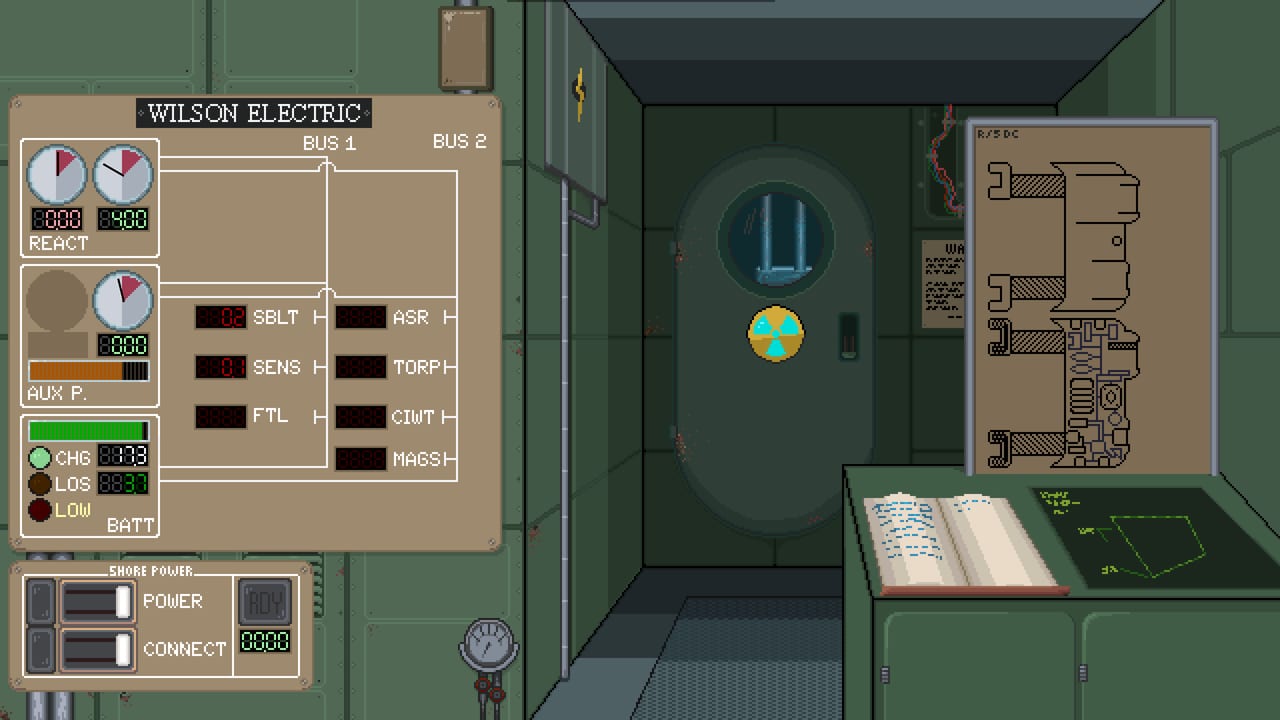
Guides teach. Tools sit open while you play. This hub holds the practical sheets for Deck Conn: a power planner for the seven-way energy split, and system requirements so the first boot is not a surprise.
Nothing here is a cheat engine. The game is single-player and offline-friendly once Steam has authenticated the license. These pages exist because launch-week captains were going to open a notepad anyway.
What to open beside the game
- Power Planner — floors and spikes for sensors, propulsion, weapons, defenses, batteries, fuel, auxiliary. Use it with Ship Systems and the systems tier list.
- System Requirements — Windows, macOS, Linux floors from the Steam page, plus Deck-unknown and language notes.
- Steam Achievements — the 14 launch stamps, hunted with patrols instead of a fake name list.
Keep Controls in a third tab until the terminals feel like muscle memory. Keep Combat nearby for the first live contact.
How to use a planner without playing the planner
Write the doctrine before the patrol (quiet / loud / escort). Fund S-tier buses to a floor. Allow one spike. After the patrol, change one line, not seven. If you change seven, you did not have a doctrine. You had a panic.
The campaign will try to make you panic. The planner is how you refuse.
What these tools will not do
- They will not calculate unpublished damage formulas.
- They will not claim a Steam Deck verified badge the store did not grant.
- They will not add a multiplayer matchmaking sheet. There is no multiplayer.
- They will not replace the Updates Hub when a patch changes costs.
If a later build adds a map extractor or an achievement tracker worth maintaining, it will get a child page here. Until then, two honest tools beat a graveyard of broken widgets.
Related
New players: Getting Started. Upgrade shoppers: Tier List Hub. Human side: Crew. Store and publisher: Links.
A launch-week kit that fits on one desk
Put Steam, this hub, and a paper notebook in a triangle. The overlay is for glancing at floors mid-turn. The notebook is for the one line you will change after the patrol. The wiki is for the page that matches the problem: the power planner when BUS drain is ugly, system requirements when the CRT will not light, combat when a gunboat is already on the plot, and capture when HQ said incapacitate and your magazines said otherwise.
If you only bookmark one tool, bookmark the planner. The launch glass is a reactor, a battery, helm, FTL, sensors, and turrets arguing about the same kilowatts. A captain who can name that argument will get more from the review two-hour test than a captain who only remembers the trailer. Keep the kit small. Add widgets later if a patch actually publishes numbers.
Frequently Asked Questions
Quick answers captains actually search for after launch.
Is the power planner an in-game overlay?
No. It is a wiki checklist. Use Steam overlay to glance at it mid-patrol.
Do I need these tools before my first fight?
The planner helps. Requirements help before install. Tutorials still start at Getting Started.
Will you add a damage calculator?
Only if the developers publish numbers we can cite. We will not invent a formula.
Is there a multiplayer tool?
No. Deck Conn is single-player.