Deck Conn System Requirements
What the Steam page asked for on launch day — and what it did not promise.
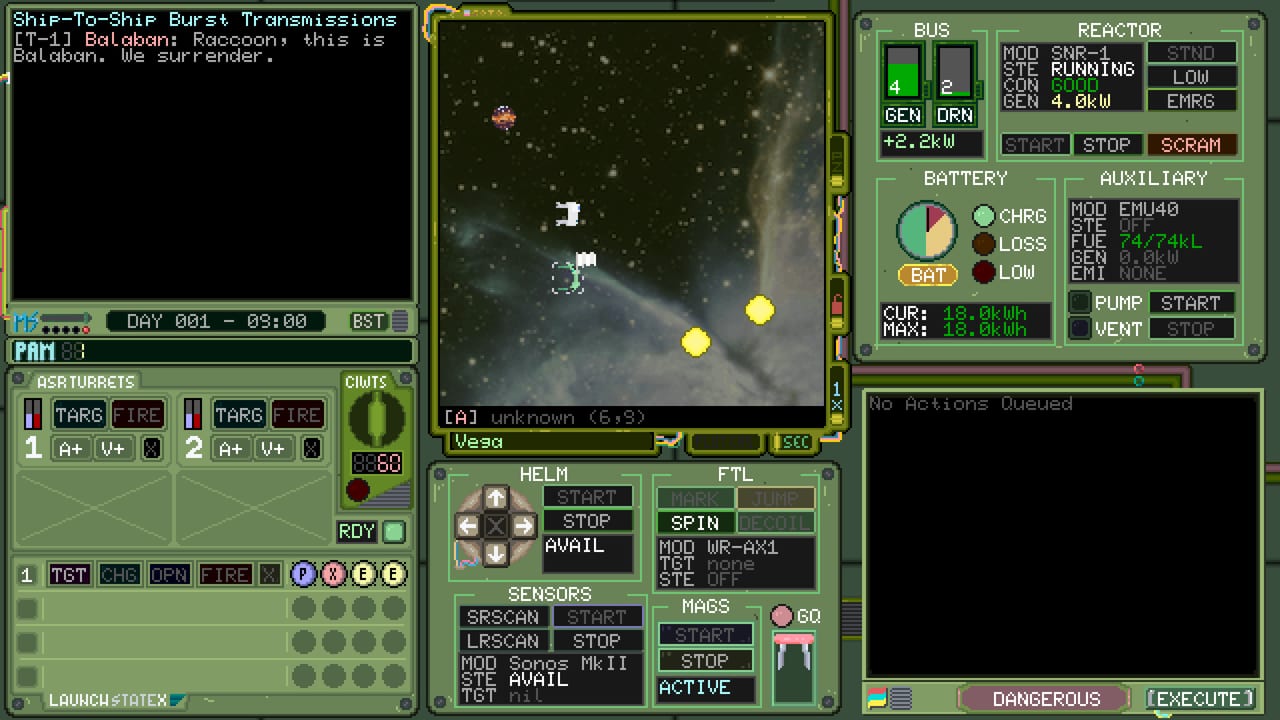
Check this page before you treat a stutter as a tactics problem. Deck Conn is a pixel-art command sim with a low published footprint, but the store still has a floor. Numbers below are copied from the Steam listing around the September 1, 2026 launch. If Steam disagrees later, Steam wins — then we edit Updates.
After you confirm the box can run it, go to Getting Started. This is not a play guide.
Windows (minimum, as listed)
- OS: Windows 10 or higher, 64-bit.
- Processor: Intel i5 or faster.
- Memory: 2 GB RAM.
- Graphics: 2 GB DirectX 10.1 compatible GPU.
- Storage: 1 GB available space.
Recommended rows on the store were thin at launch. If your machine only matches minimum, close overlays you do not need, but keep Steam overlay if you want the power planner in reach.
macOS (minimum, as listed)
- OS: macOS Sequoia.
- Processor: Apple Silicon or Intel 64-bit, Apple Silicon preferred.
- Memory: 2 GB RAM.
- Storage: the store row showed a tiny figure in some scrapes; treat “about a gigabyte” from the Windows line as the sane expectation and confirm in Steam’s install dialogue.
Linux (minimum, as listed)
- OS: Ubuntu 23.10+ / GLIBC 2.38.
- Processor: 64-bit Intel.
- Memory: 2 GB RAM.
- Storage: 1 GB available space.
Proton notes are community territory. Official listing is a native-style SteamOS + Linux row. If you dual-boot, test a standalone scenario before a long campaign patrol.
Steam Deck and handhelds
Compatibility was unknown at launch. That is not a verified badge. If you try it anyway:
- Expect to provide your own mouse-like input. See Controls.
- Integer-scale the CRT text if the handheld smears phosphor UI.
- Do not assume sleep-resume will preserve a turn-based state until you have tested it.
When Valve or MicroProse stamps a Deck rating, it will appear here and on the Updates Hub.
Language, mode, and store facts that affect install
- Interface language listed: English only.
- Mode: single-player, Family Sharing. No multiplayer install of a “party” client.
- Achievements: 14 listed. They do not change RAM.
- Intro price window at launch does not change the download size.
This wiki is translated into French, German, and Spanish. That is not a claim that the game client is. Do not set Steam’s language dropdown and expect a localized binary that was never shipped.
Display and audio practicalities
Pixel-art CRTs want integer scales. 4K desktops that stretch a 1 GB tactics game will make orders harder to read than any coded HQ cipher. If text is the problem, fix scaling before you rewrite the tactics list.
Headphones help with alert tones if the mix includes them; they will not add a second player. There is still only one conn.
If it will not launch
- Verify integrity on Steam.
- Confirm 64-bit OS and the GPU driver’s DirectX 10.1 story on Windows.
- On Linux, check GLIBC versus the 2.38 floor.
- Disable experimental overlays, then re-enable Steam overlay once stable.
- Only then assume a bug and check Steam news via the links hub.
A game that will not boot is not a reason to skip Ship Systems. It is a reason to stay on this page until the CRT actually lights.
Official hardware rows can move. Bookmark Steam app 3828500 and this page together.
Pixel command sims still punish bad installs: missing redistributables, a GPU driver that only pretends to be DirectX 10.1, or a Linux userland older than GLIBC 2.38. If the departure checklist never appears, you do not have a tactics problem yet. You have a box problem. Stay here until START on the reactor panel is a game verb again, then return to Getting Started.
Frequently Asked Questions
Quick answers captains actually search for after launch.
Can a low-end laptop run Deck Conn?
If it meets Windows 10, i5-class, 2 GB RAM, DX10.1 2 GB GPU, and 1 GB disk, Steam says yes. Test a standalone scenario.
Is Steam Deck verified?
Not at launch. Compatibility was listed as unknown.
Does the game need an always-on connection?
Steam must authenticate the license. The design is a single-player command sim, not a live-service lobby.
Where do I go after I can boot?
Getting Started and the Tools Hub.